The last three items of the AI Hub menu don’t create anything new. They let you check what the AI did, set up AI answers for calls and choose the default model.
AI Usage Logs
AI Usage Logs lists every AI call the bot made: agents, tasks and the rest of the AI actions. Use it to see which model answered, how many tokens each call used and whether it failed.
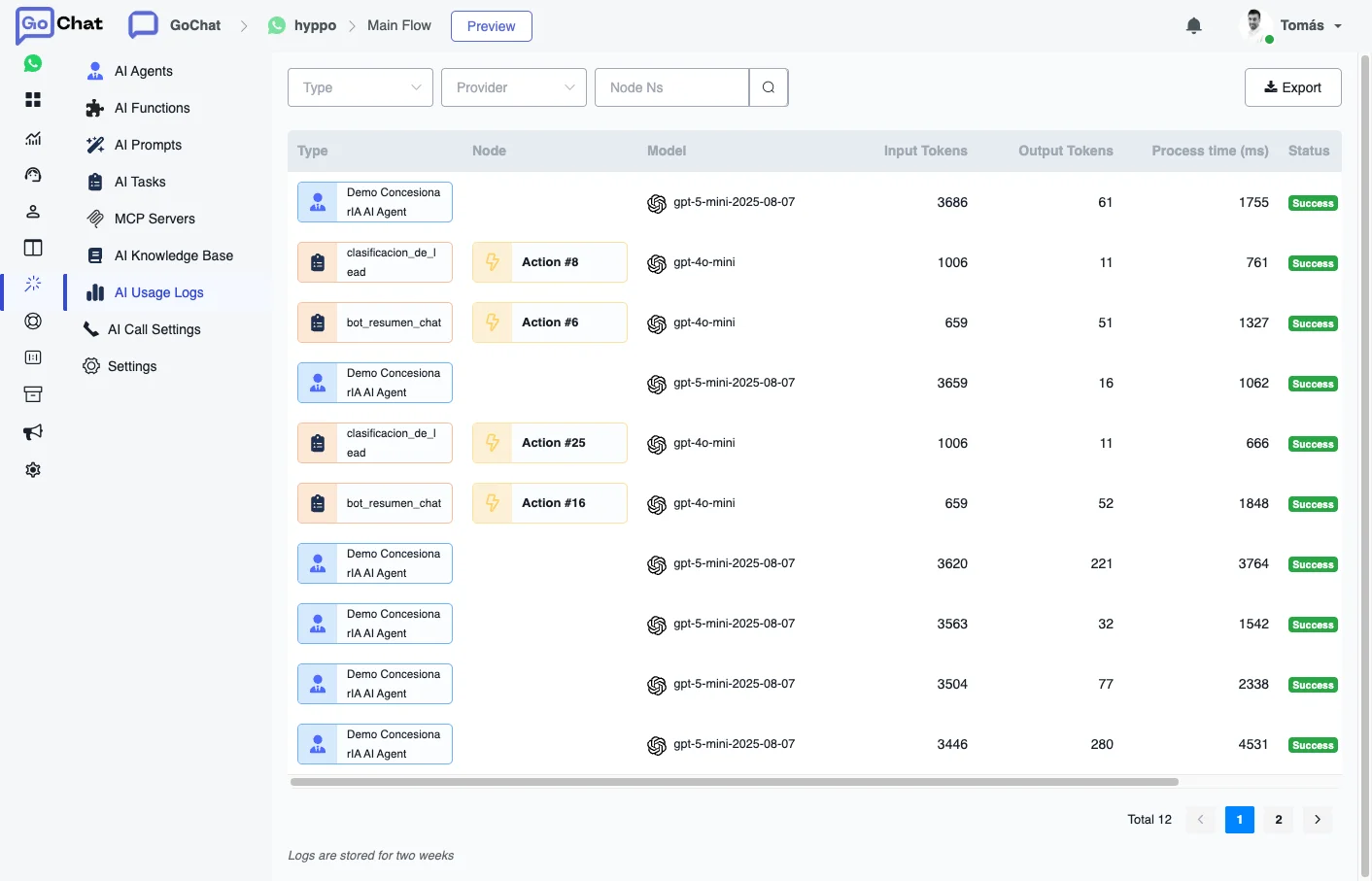
Each row shows:
- Type: what made the call, for example an AI Agent or an AI Task.
- Node: the flow step where it ran, when it came from one.
- Model: the model that answered.
- Input Tokens and Output Tokens: the tokens sent and received.
- Process time (ms): how long the call took.
- Status: whether it succeeded.
You can filter by Type, Provider and Node Ns, and download the list with Export. Logs are stored for two weeks.
AI Call Settings
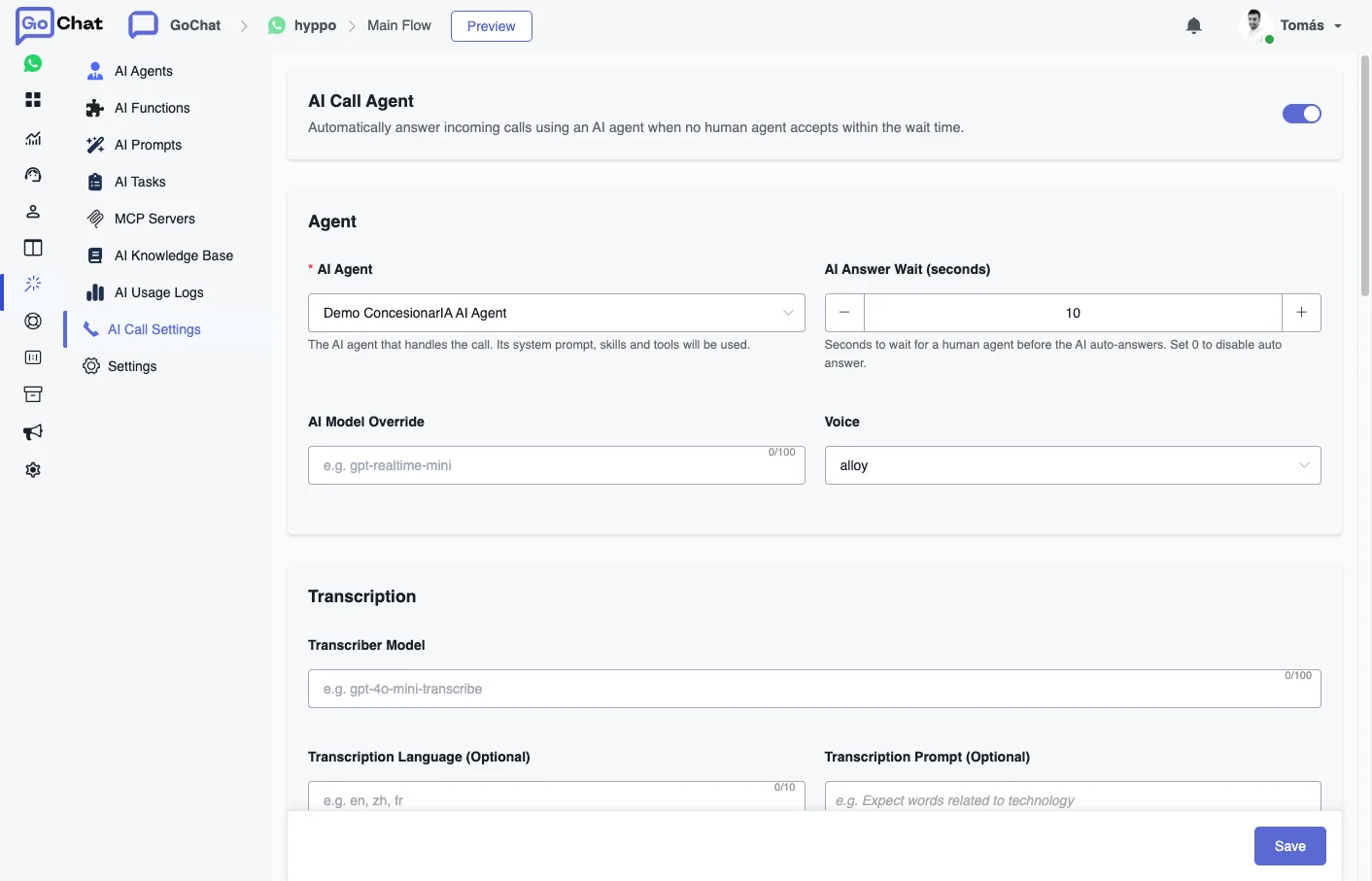
AI Call Settings sets up the AI Call Agent: when it is on, an AI agent answers incoming calls that no human agent accepts within the wait time. To set up calls on WhatsApp, see WhatsApp Calling.
Agent
- AI Agent: the AI agent that handles the call. Its system prompt, skills and tools are used.
- AI Answer Wait (seconds): how long to wait for a human agent before the AI answers, from 0 to 60. Set 0 to turn off the automatic answer.
- AI Model Override: a model for calls, different from the agent’s (for example
gpt-realtime-mini). - Voice: the voice the AI speaks with, like
alloy,echoorshimmer.
Transcription
- Transcriber Model: the model that transcribes the call (for example
gpt-4o-mini-transcribe). - Transcription Language (Optional): the caller’s language in ISO-639-1 format (
es,en). It improves accuracy and latency. - Transcription Prompt (Optional): guides the style and vocabulary of the transcription, useful for terms specific to your business.
Recording
- Auto Recording: saves the recording of each call. It needs a verified S3 storage.
- Auto Summary: writes a summary of the call. Summary Prompt changes the instructions; leave it empty to use the default one.
Conversation Behaviour
- First Message: what the AI says as soon as it answers. Leave it empty to use the system default.
- Follow-up Prompt and Follow-up After (seconds): what the AI says after a silence, and after how many seconds (0 turns it off).
- Max Follow-ups: how many follow-ups in a row before hanging up.
- Idle Timeout (seconds): hangs up after this many seconds of total silence. 0 turns it off.
- Max Call Duration (seconds): the longest a call with the AI can last before it hangs up. 0 turns it off.
Transfer to Human lets the AI hand the call to a human agent when the caller asks. In Transfer Prompt you can say when to do it, for example when the caller mentions a keyword.
Settings
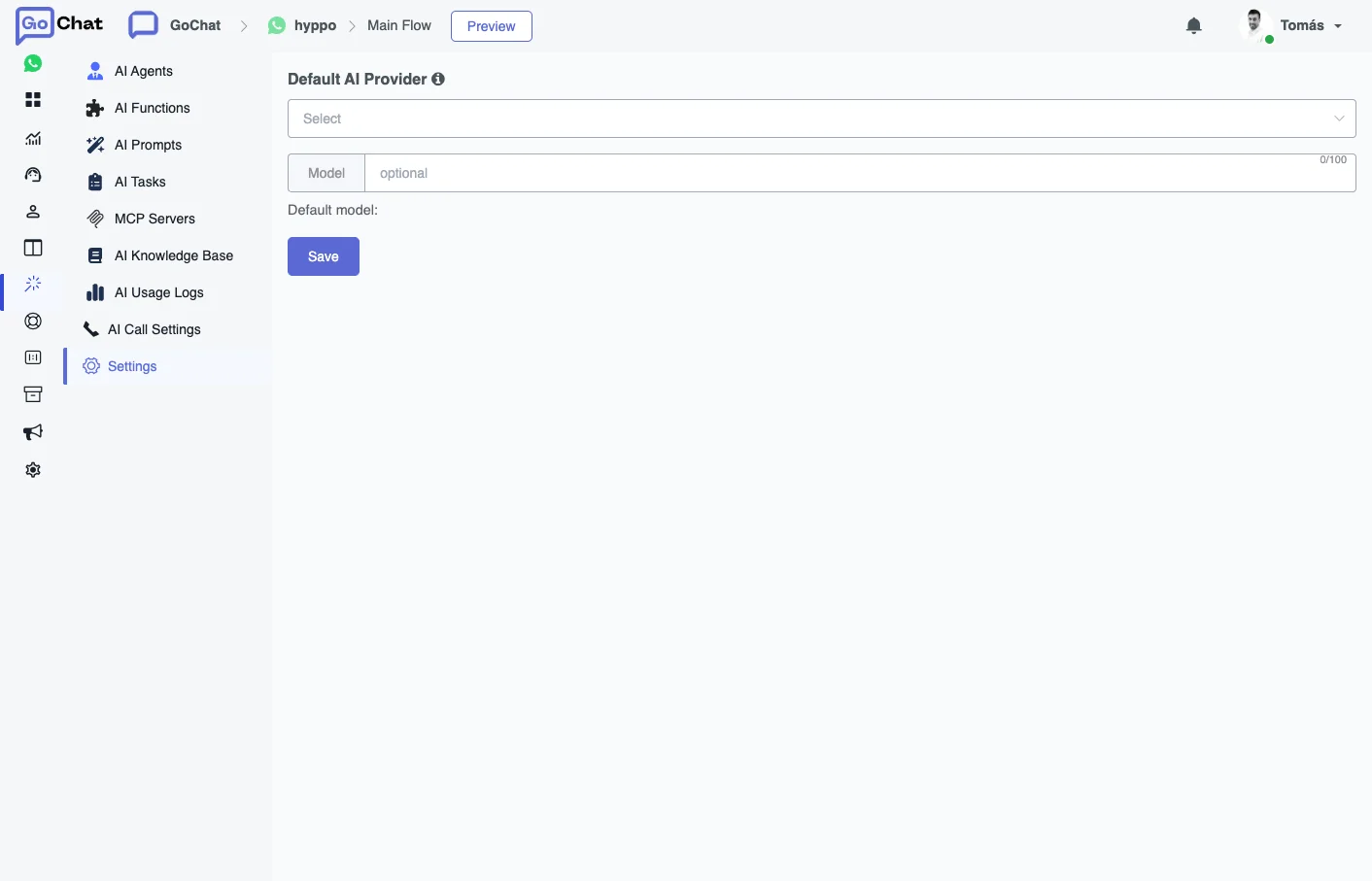
In Settings you choose the Default AI Provider and its Model for the whole bot. It applies to AI intent recognition and to AI Tasks, so you don’t have to change the model of each one by hand.