In Workspace Settings → Profile you can change the logo, the workspace name, the time zone and the default flow theme.
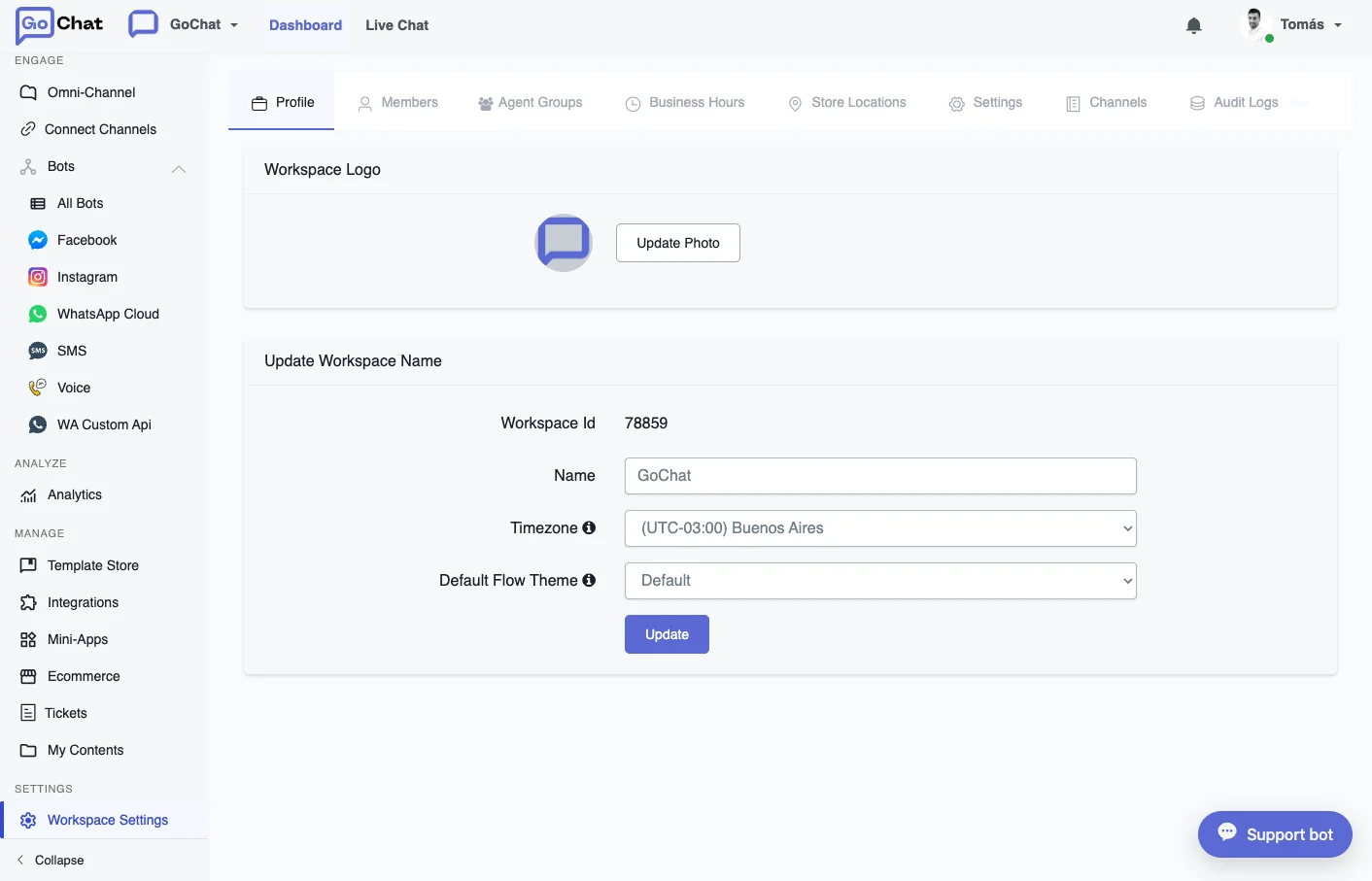
Time zone
The workspace time zone changes how your bot handles time values:
- The system value BOT_CURRENT_TIME follows the workspace time zone.
- The system values NOW and TODAY follow the time zone of each bot user. If the user has no time zone in their profile, the workspace time zone is used.
Users from Messenger and Webchat usually have a time zone of their own. Users from the other channels don’t, so the workspace time zone applies to them.
The dropdown shows each time zone next to a city name. The city is only there to help you find the right option: what matters is that the time zone is correct, not which city gets saved.
Manage your workspaces
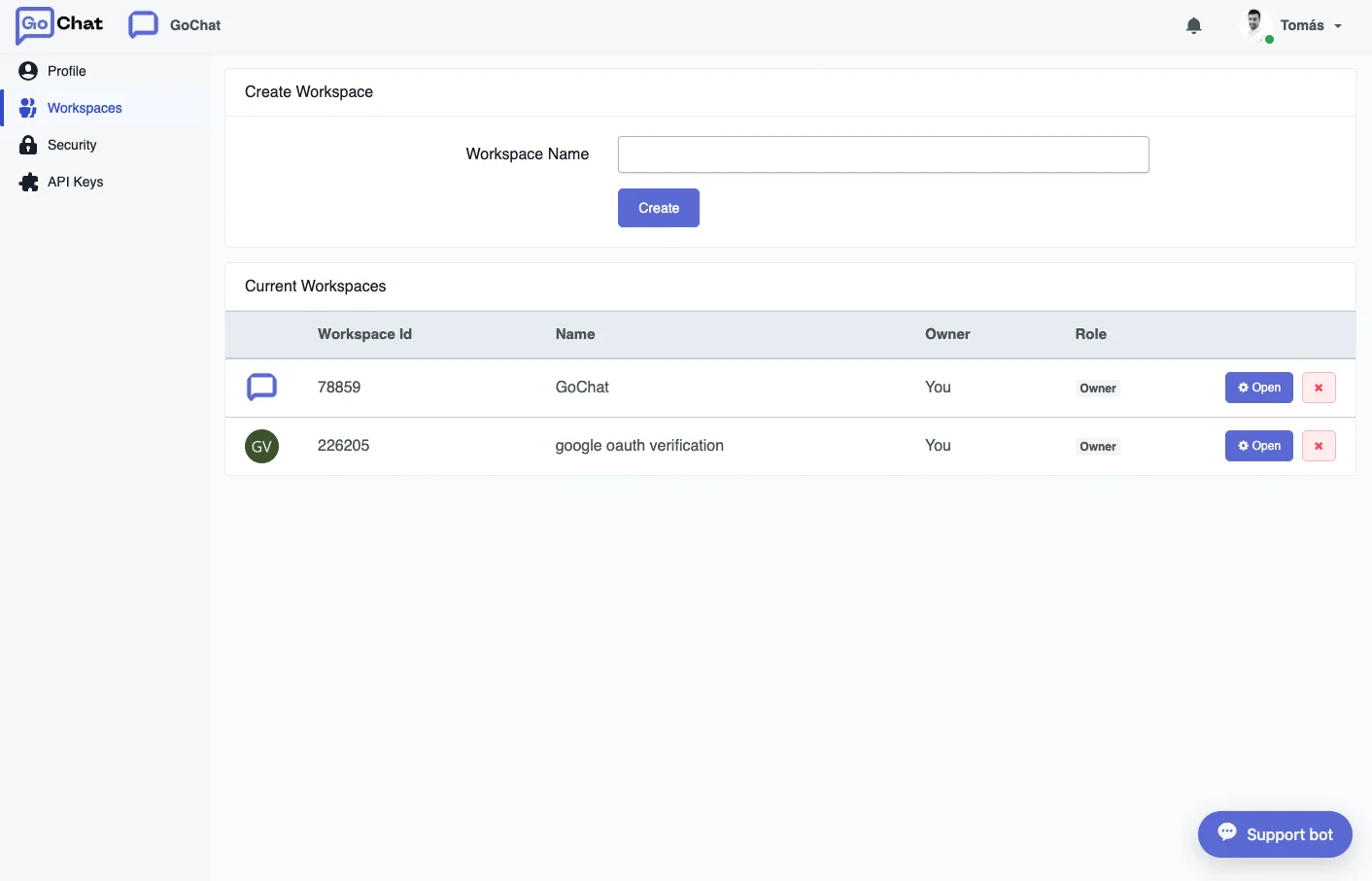
Click the workspace name in the upper left corner of the dashboard to switch between workspaces or open the workspace management page. There you see every workspace you have joined, and you can:
- Create a new workspace. Whoever creates it becomes its owner.
- Switch to another workspace.
- Leave a workspace you don’t own, with the yellow arrow.
- Delete a workspace you own, with the red x.