
Workspace Settings is at the bottom of the left-hand menu of your dashboard. It holds everything that applies to the whole workspace and not to a single bot: its name and time zone, who has access and with which role, how conversations are assigned to agents and a record of the changes made.
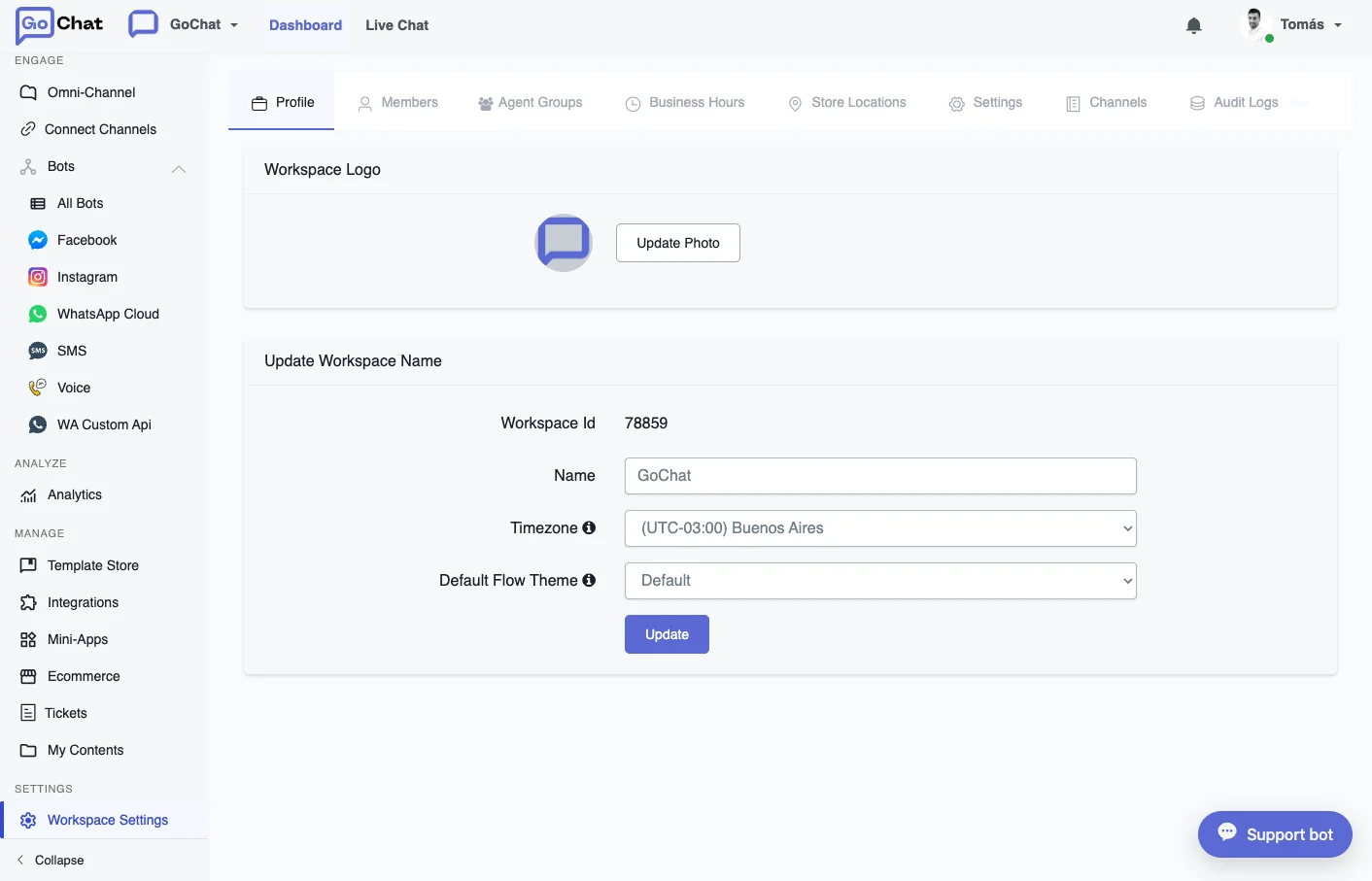
The settings are split into tabs:
- Profile: logo, name, time zone and the list of workspaces you belong to.
- Members: invite people, assign roles and remove access.
- Agent Groups: organize Live Chat agents to assign them conversations.
- Business Hours: the hours the bot uses to check whether you are open. They follow the workspace time zone.
- Settings: turn on Conversation Mode, set the agents’ office hours and adjust the Live Chat options.
- Channels: choose which channels show up in the left-hand menu.
- Audit Logs: who changed what in the workspace, and when.
Some tabs depend on your role. Channels is only for the owner, and Audit Logs is only for the owner and admins.