
Scheduled Messages lists every message that an agent scheduled from Live Chat and that has not been sent yet. To schedule one, see Messages, files and scheduling.
Go to Tools in the left-hand menu of your bot and open Scheduled Messages.
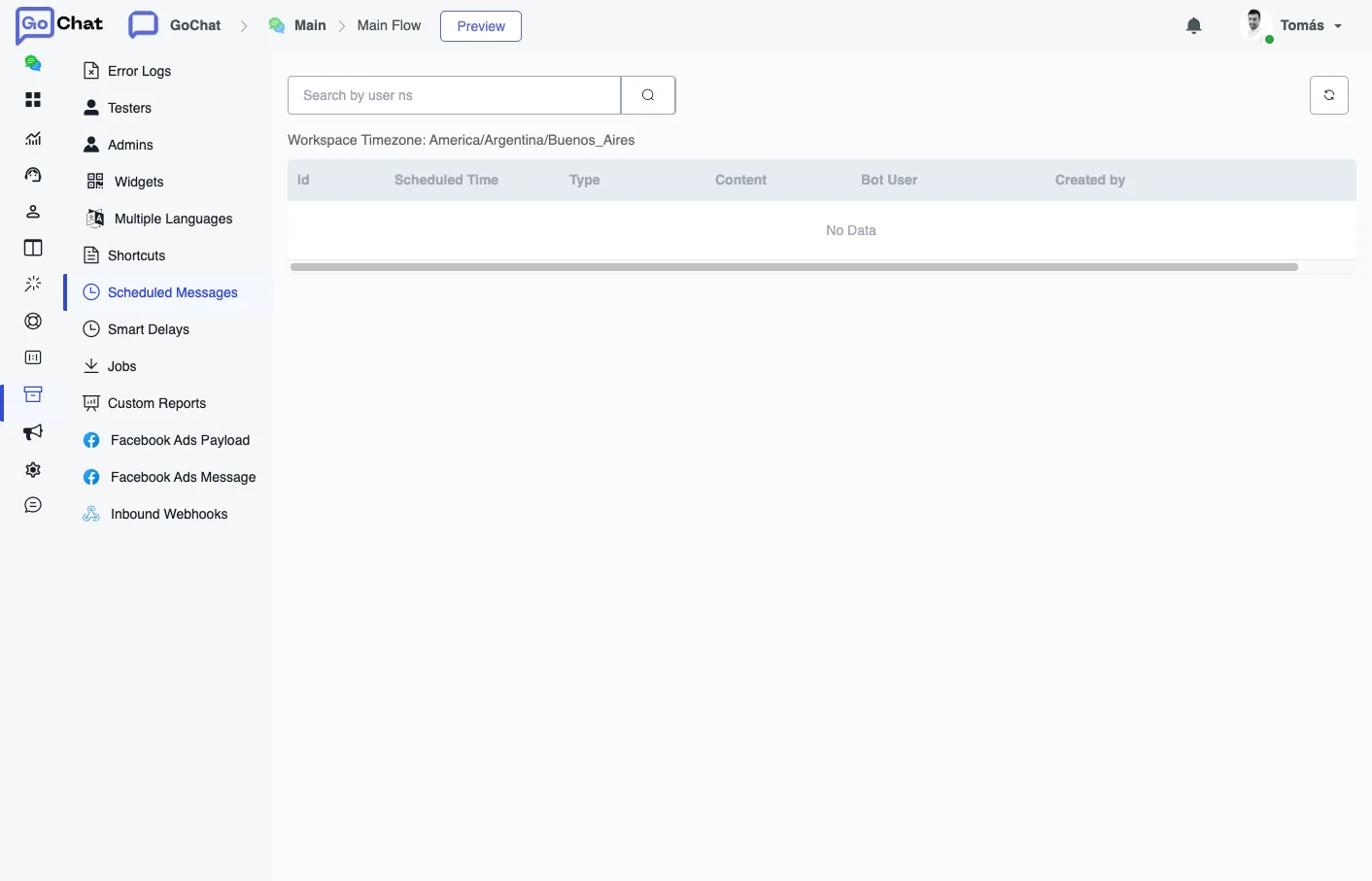
What the list shows
The times follow the time zone of the workspace, shown above the list as Workspace Timezone.
| Column | What it is |
|---|---|
| Id | The identifier of the scheduled message. |
| Scheduled Time | When it will be sent. |
| Type | A regular reply or a WhatsApp template message. |
| Content | The text of the message, or the template. |
| Bot User | Who will receive it. |
| Created by | The agent who scheduled it. |
To find the messages of one user, type their user ns in Search by user ns. The refresh button reloads the list.
Send now or delete
For each scheduled message you can send it right away or delete it. The content of a scheduled message cannot be edited: if you need to change it, delete it and schedule a new one.
On WhatsApp, a regular message can only be scheduled within 24 hours. For a later time you need an approved template. See Template messages.